I built my own offline JSON tool — format, diff, convert, and stats, all in one.
Qudo Tool - Offline JSON Utility Packaged as a standalone EXE — double-click to run, no installation or internet connection required. Supports formatting, minification, validation, key sorting, tree view, JSON diff, format conversion (YAML/XML), and data statistics. All processing happens locally on your device; nothing is ever uploaded to a server.
When working with JSON data, most of us tend to reach for a random online tool to get the job done. But when debugging APIs, you often run into massive, complex responses: deeply nested fields, long arrays, disordered keys, and sometimes even hidden characters. Online tools can be a pain to work with—endless scrolling just to find the issue. More importantly, API responses often contain sensitive data like tokens, user info, or internal configs, and pasting them into a random website never feels entirely safe.
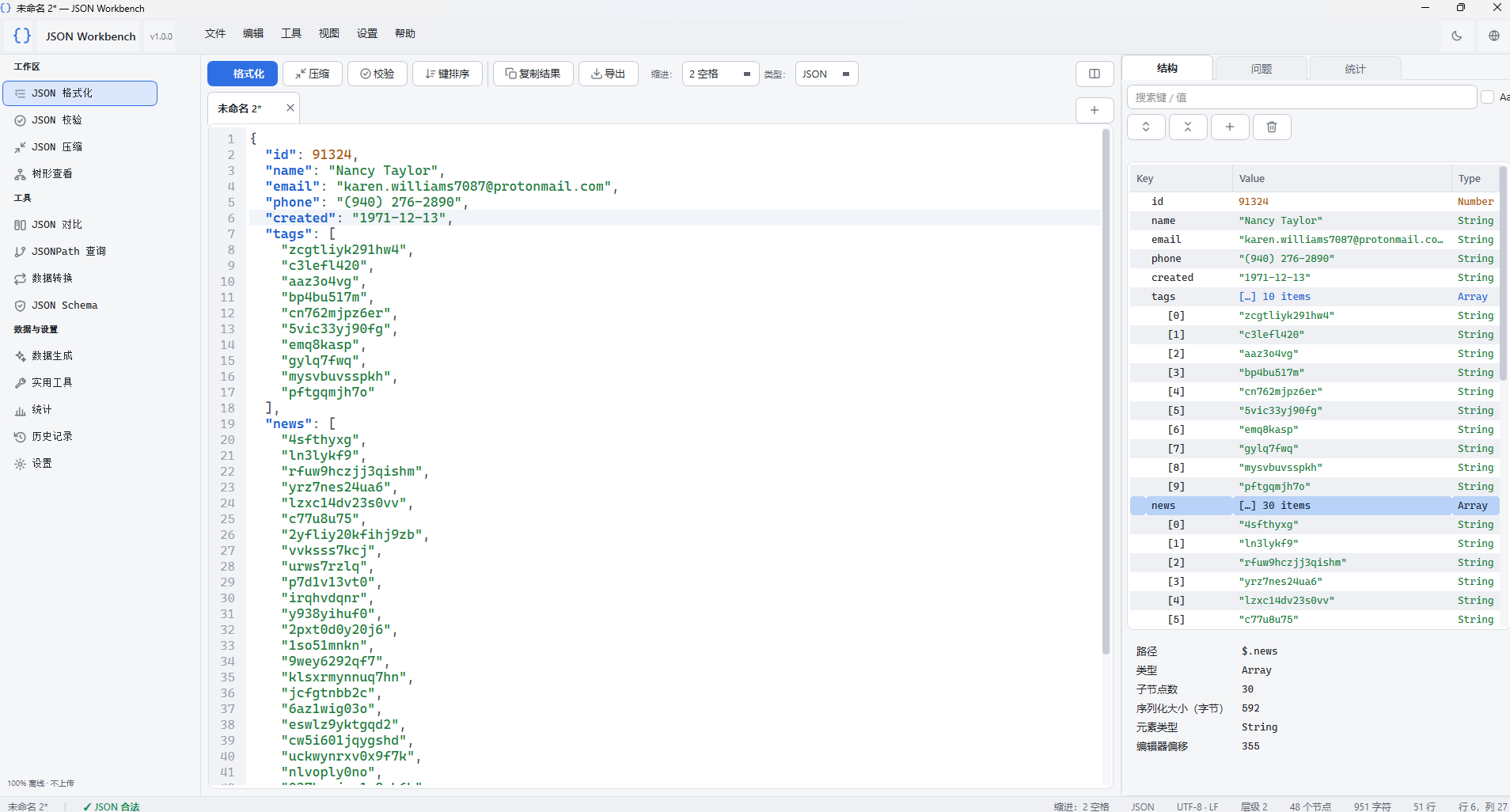
Since I couldn't find a tool that felt just right, I built my own offline version. It's packaged as a standalone EXE—just double-click to run, no installation or internet connection needed.
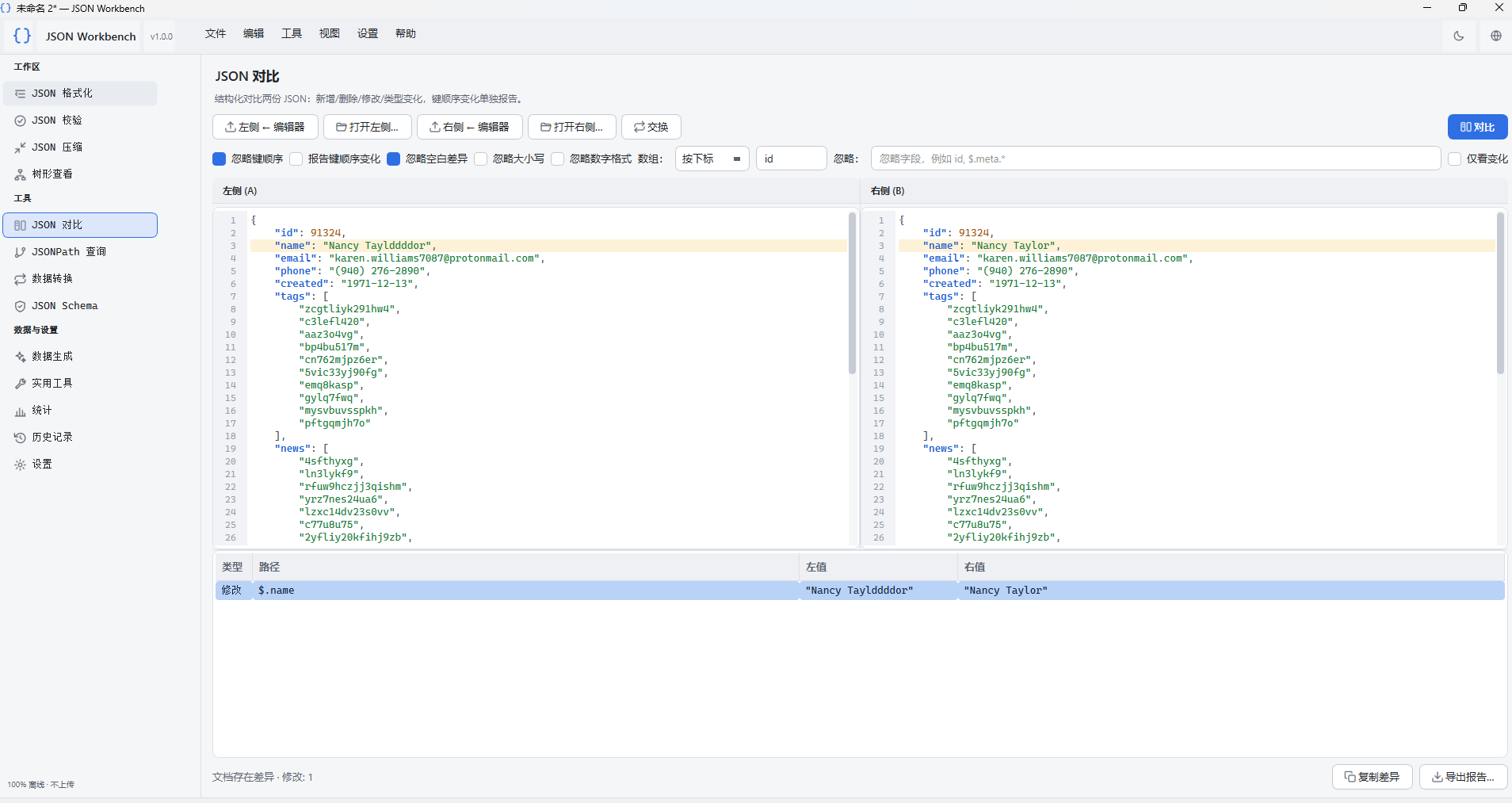 I packed it with as many features as possible:
Basics: Format, minify, validate, sort keys, export, and more—everything you need for daily JSON handling.
 Visualization: A clean tree view makes it easy to inspect your data. It automatically highlights syntax errors, and collapsing or expanding nodes is much more efficient than squinting at raw text.
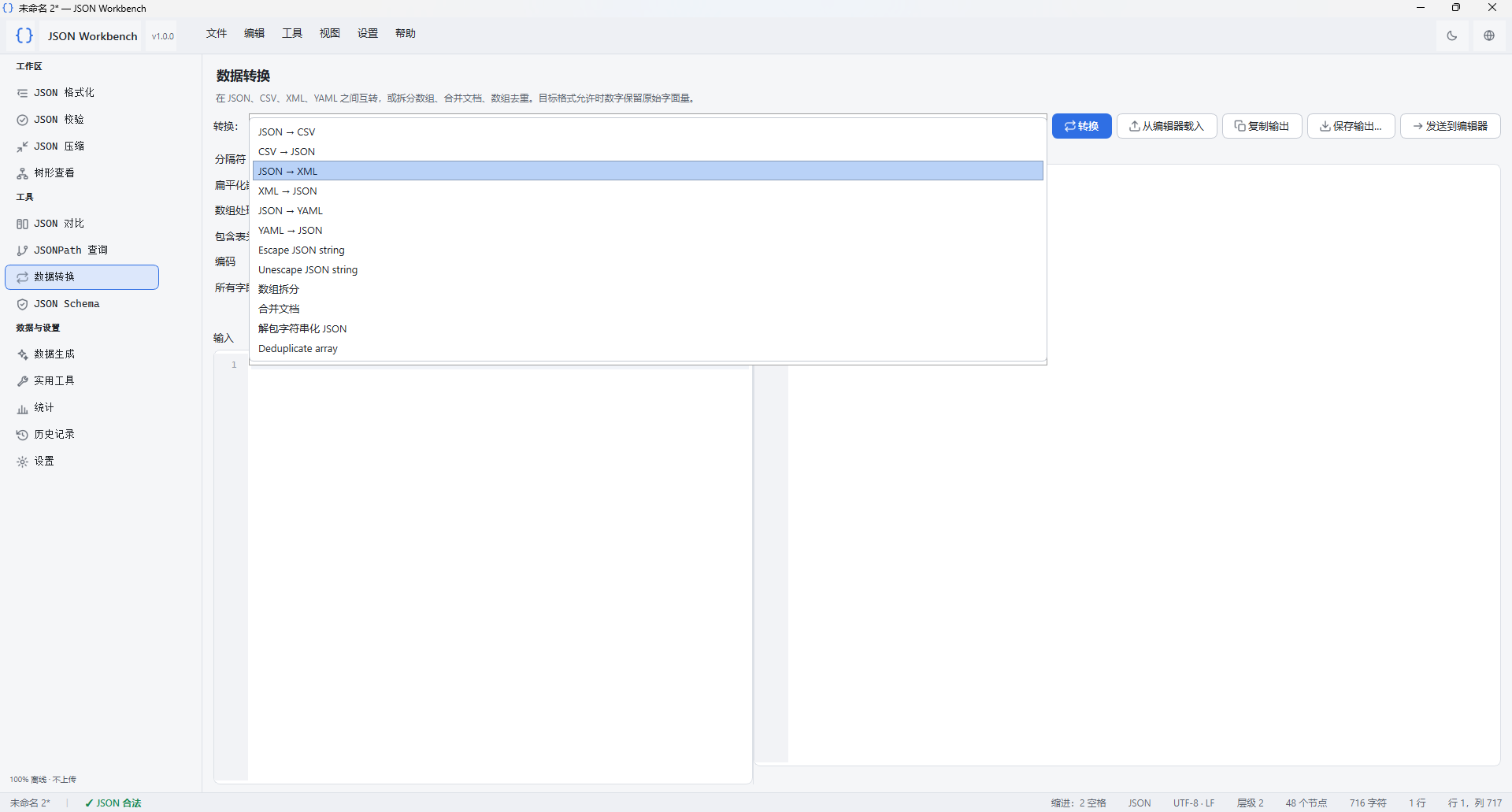
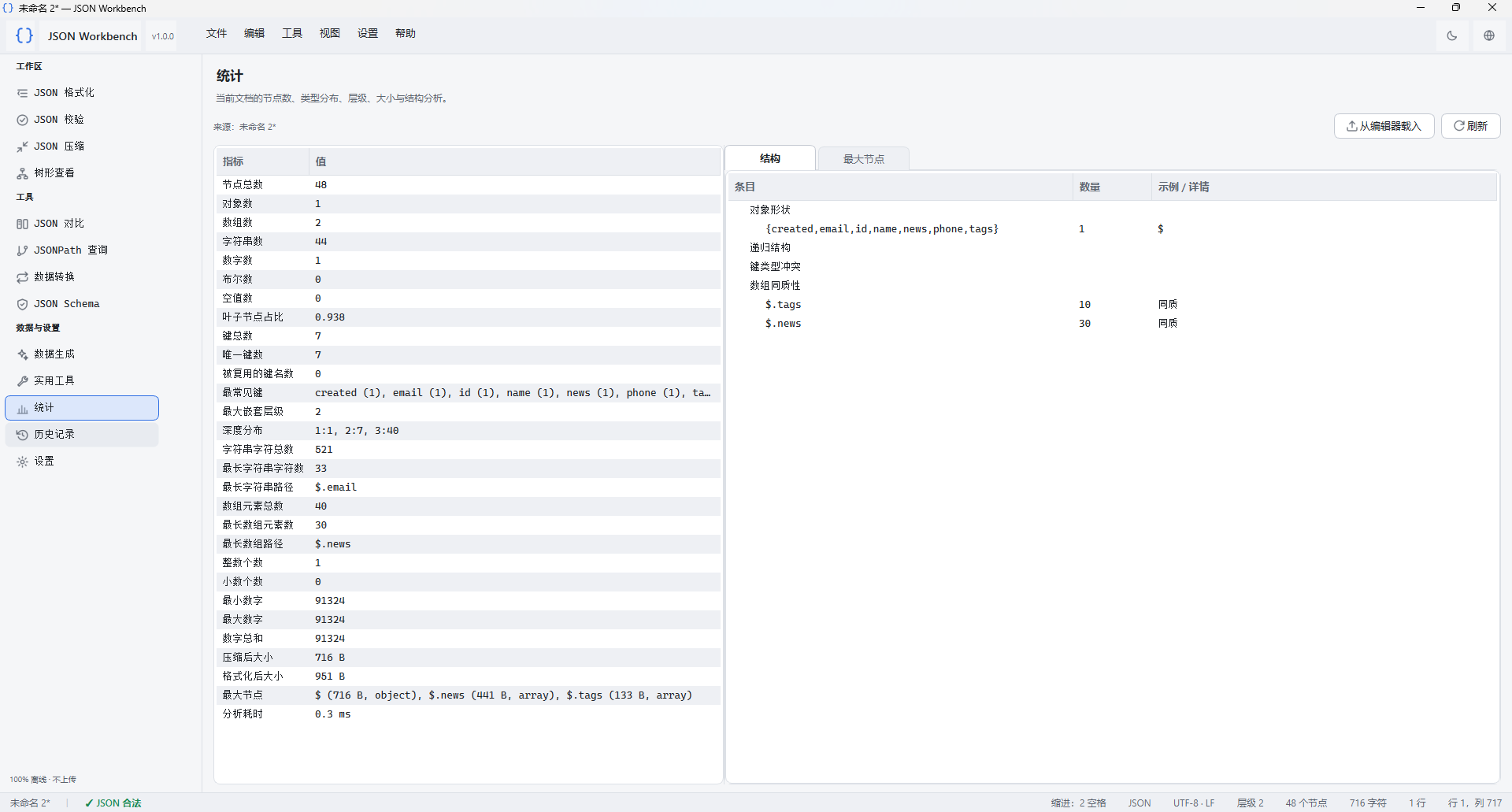
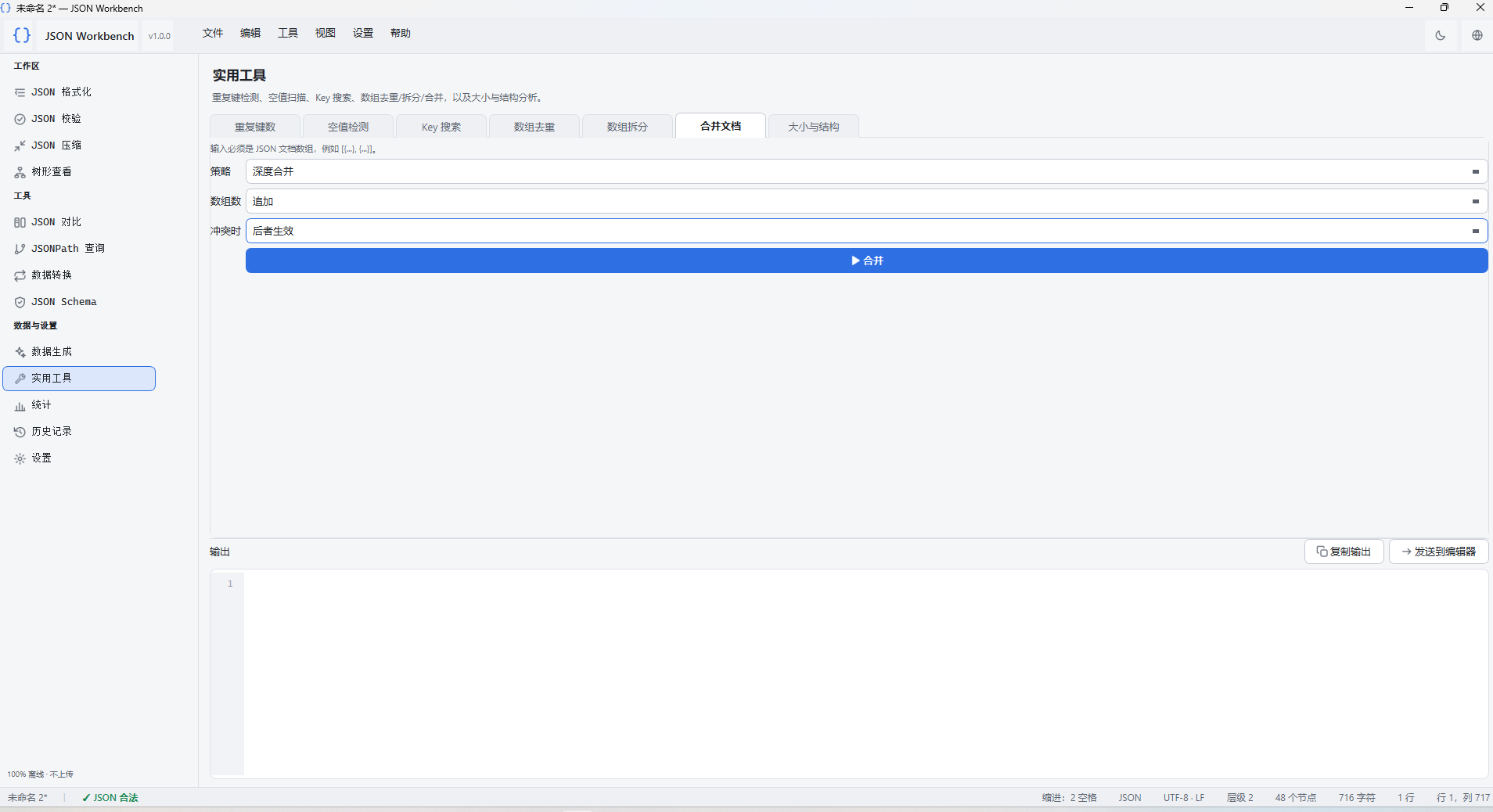 Advanced features: Includes a JSON diff tool to spot differences between two API responses, format conversion (e.g., JSON to YAML or XML), and built-in utilities for quick stats like nesting depth, key count, and array size.
github Qudo Tool PDF